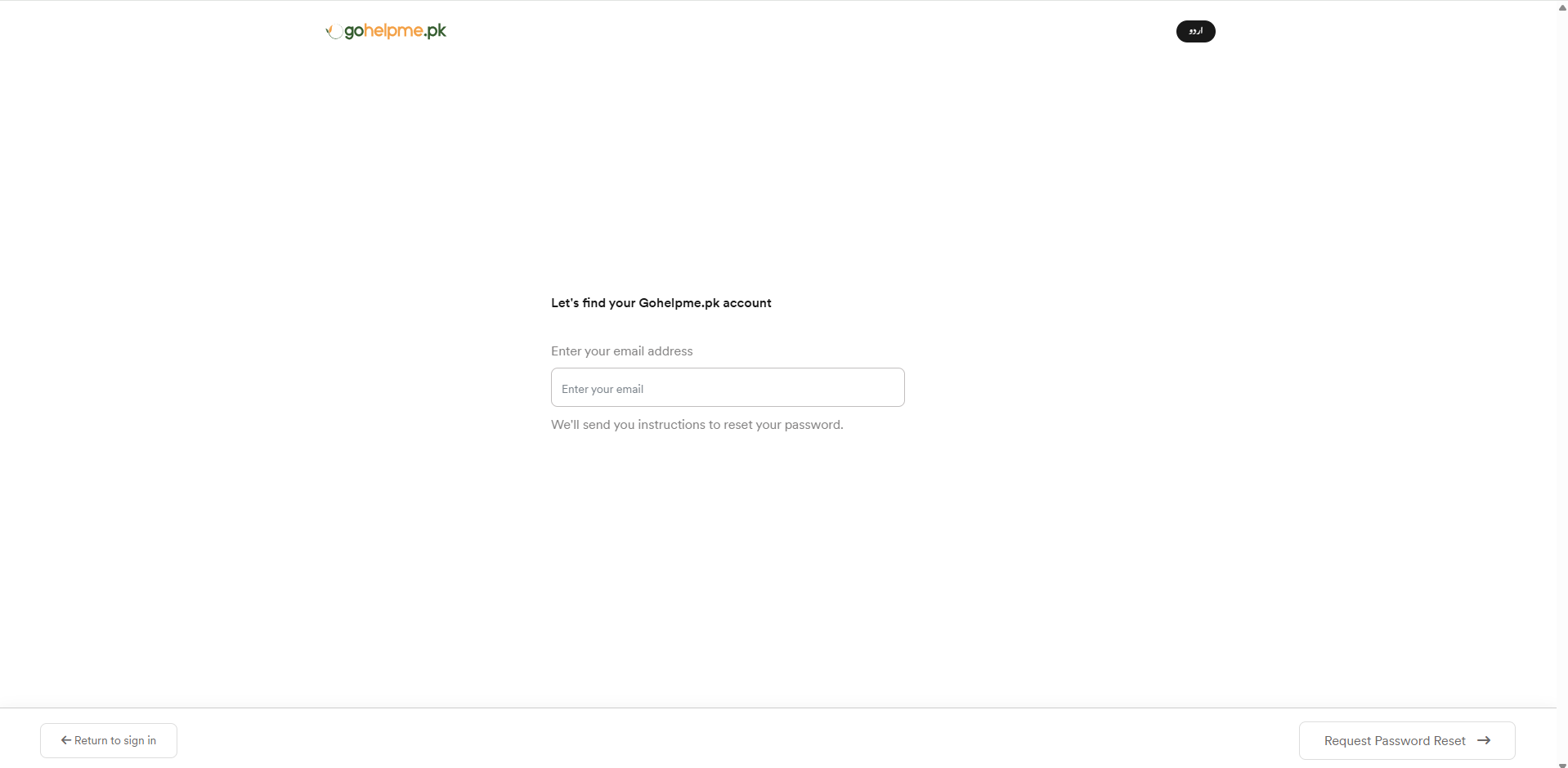
Forgot your password or unable to sign in to your Gohelpme.pk account? If you are searching for how to reset your password, recover your Gohelpme.pk login, or regain access to your account, this step-by-step guide will help you restore access quickly and securely. Whether you have forgotten your password, lost your login details, or are simply unable to access your account, the Gohelpme.pk password reset process is simple and user-friendly.
Step-by-Step Guide to Reset Your Password on Gohelpme.pk
Step 1: Go to the Login Page
Visit the Gohelpme.pk login page to start the password recovery process.
Step 2: Click on “Forgot Password”
On the login screen, click on the “Forgot Password” option to continue.
Step 3: Enter Your Registered Email Address
After clicking the forgot password link, you will be redirected to a new page. Enter the same email address you used to create your Gohelpme.pk account. Make sure it is correct and active.
Step 4: Click on “Request Password Reset”
After entering your email, click the “Request Password Reset” button.
Step 5: Check Your Email Inbox
A password reset link will be sent to your registered email address. If you do not see the email, check the following:
- Spam or junk folder
- Correct email address used
- Wait a few minutes for delivery
- Refresh your inbox. Ensure your email storage is not full
Step 6: Open the Password Reset Link
Open the email you received from Gohelpme.pk and click on the password reset link.
Step 7: Create a New Password
Enter your new password and confirm it carefully. For better security, use a strong password containing:
- At least 8 characters
- 1 uppercase letter (A–Z)
- 1 lowercase letter (a–z)
- 1 number (0–9)
- 1 special character (@, #, $, %, &, etc.)
Example: Home123@
Step 8: Log in Again
After resetting your password, return to the login page and sign in using your new credentials. Your password has now been successfully reset. You can continue using your Gohelpme.pk account without interruption. For security reasons, never share your login details with anyone.